Introduction
Welcome to Anonymize. This page gives a quick overview of what the tool does, why it exists, and how you might use it.
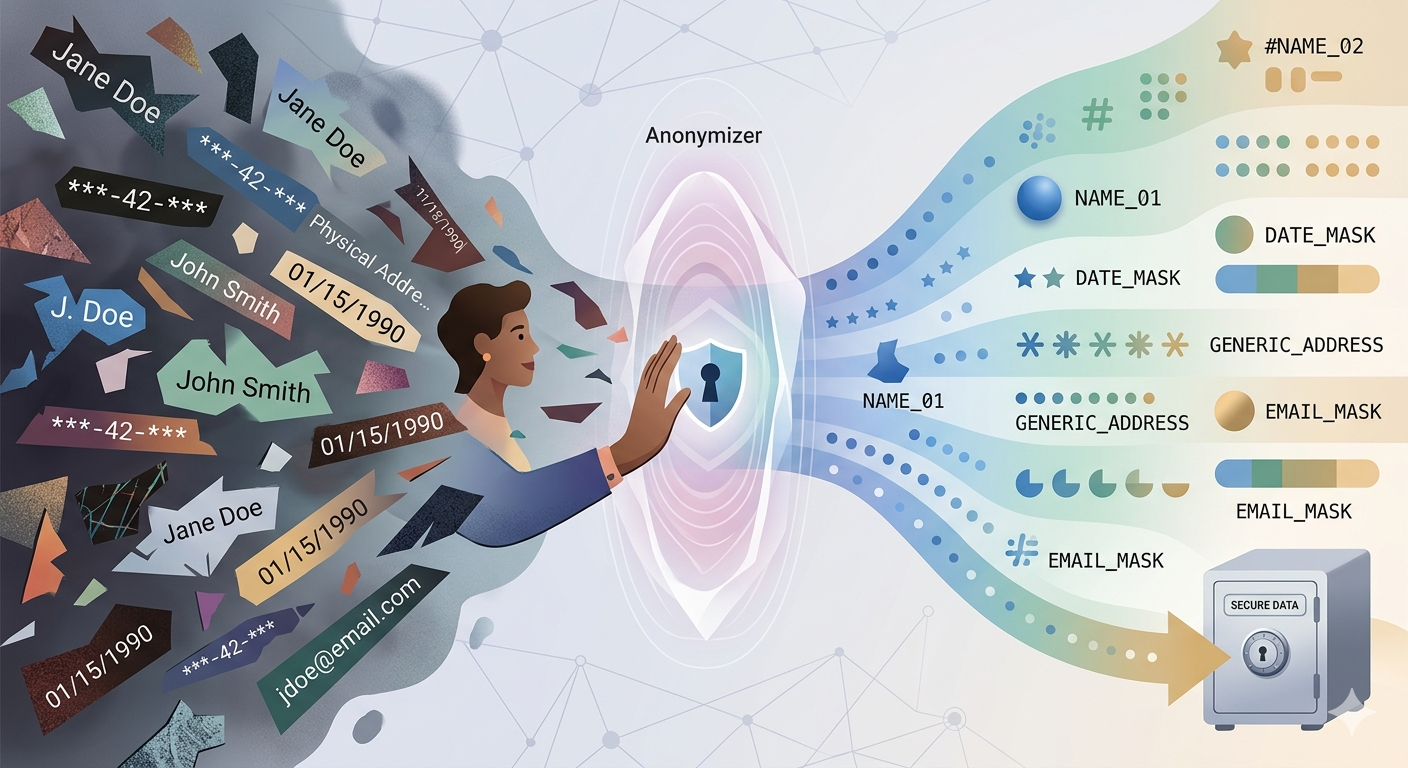 Figure 1 — Graphical representation of the Anonymize process.
What is an Anonymizer?
An anonymizer removes or replaces identifying information in data so the original source can't be traced.
If you've ever had to share a database and thought “I really shouldn't be sending this as-is”, that's exactly the problem this tool is meant to solve.
Typical use cases:
- Sharing data in regulated environments (GDPR, HIPAA, etc.).
- In-house development, where testers don't need to see real data.
- Presentations to other developers (user groups, demos) or customers.
- Feeding data into AI tools without exposing anything sensitive.
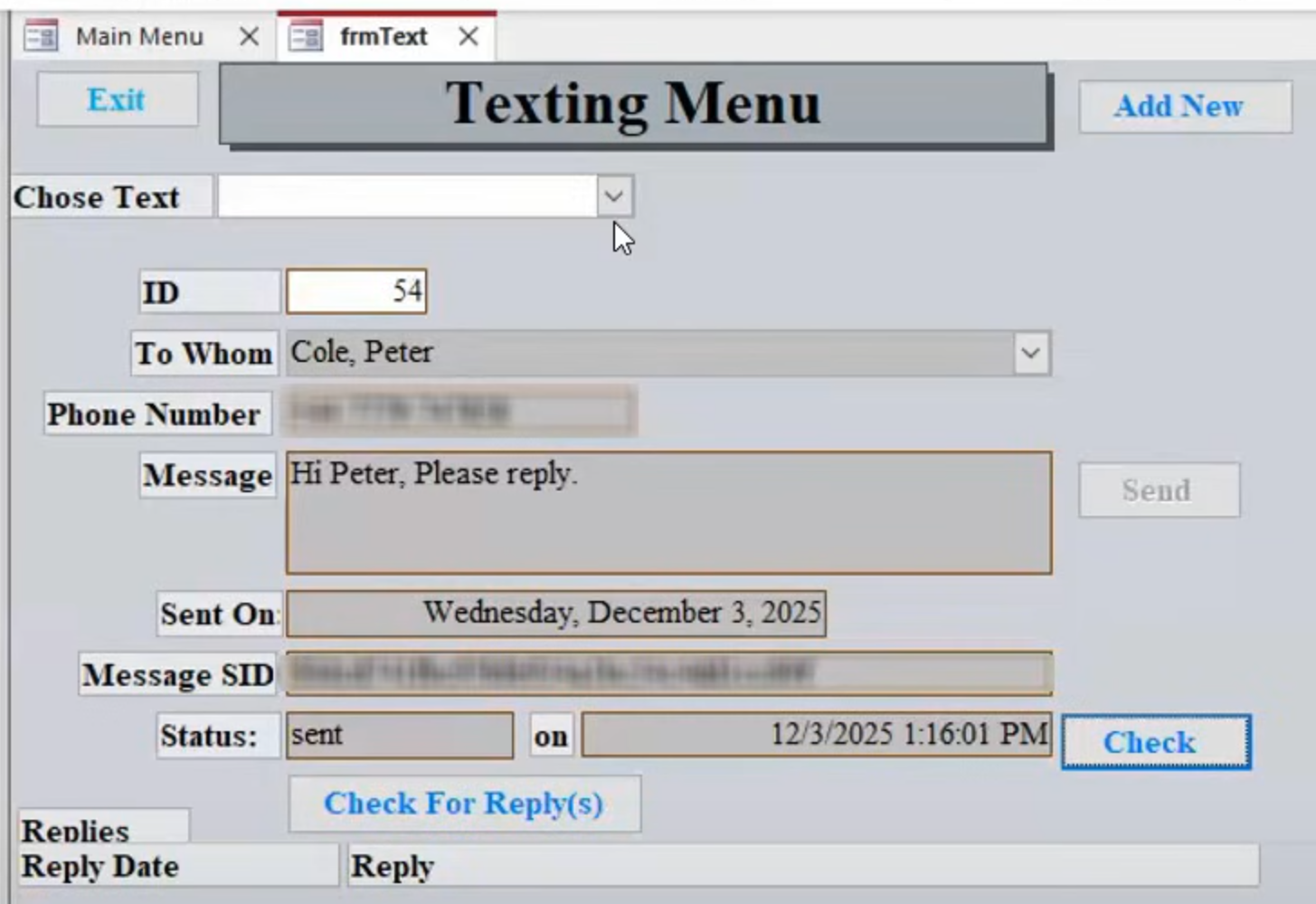 Figure 2 — A familiar situation: manually blurring fields before sharing or presenting data.
Anonymize works with Microsoft Access (ACCDB/MDB) and SQL Server databases.
Workflow
The basic workflow is straightforward:
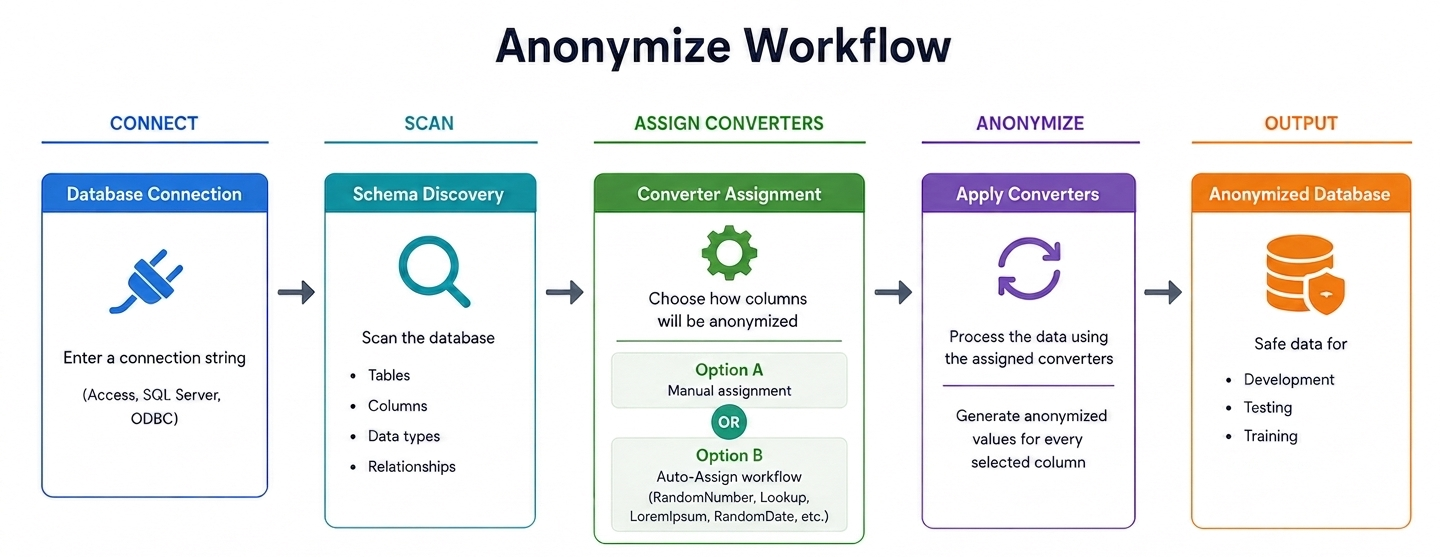 Figure 3 — Diagram of the basic workflow.
- Make a copy of the database (always work on a copy).
- Create a new record in Anonymize and point it to that copy. Click Scan to read the schema.
- Review the columns and choose a converter for each sensitive field, or let Auto-Assign make a first pass.
- If you use Auto-Assign, take a moment to review what it picked.
- Click Apply Converters to update the data (this will overwrite values, so make sure you're working on a copy).
Your schema and converter choices are saved, so you can reuse them later on a fresh copy of the same database.